Dropshipping product research in a stored catalog
TrendMetric Research7 min read
Dropshippers lose money when they copy a screenshot list after ads have already crowded the keyword. Dropshipping product research in TrendMetric is a catalog workflow: rank stored demand, growth, competition, and VolumeScore™ on products that already exist, then decide what to test. It is not a store spy, not an auto-importer, and not a promise that a high score will convert on your store.
Each row on Trending Products is a catalog SKU with an image, category, Search Volume, Estimated Revenue, trend, competition, seasonality, and VolumeScore™. The constraint is the product: you research stored history, not every TikTok SKU on the internet. Spy on Store and Search Product outside the catalog are Coming Soon. If the product is missing, you cannot rank, forecast, or track it here.
This article is the dropshipper pass. For the demand-first sequence without the use-case framing, read how to find trending ecommerce products. For board mechanics, read Trending Products is catalog research. Product researchers use the same catalog with more column-by-column discipline.
What “research” means when you cannot paste a store URL
On TrendMetric, research is a stored-history read. VolumeScore™ is a 0–100 composite used to sort the board — see how to read VolumeScore™. Search Volume is quality of interest for the selected geography. Competition is crowding (Low / Medium / High), not your live ad auction and not a supplier MOQ. Rising, Steady, and Cooling describe the catalog series.
Saturation is a competition-and-trend read, not a vibe. Rising with High competition is a different bet than Rising with Low competition. High competition plus Cooling trend is a reason to skip or Test small. A high score with High competition usually means demand already exists and the field is crowded — useful, not permission to buy 500 units. You will not get a saturation percentage. Write the two labels and the two growth windows instead.
A morning scan that only sorts by 30D is how screenshot lists get rebuilt inside the catalog. Pair the short window with 90D so a one-week jump is not a niche. If both windows are up and competition is already High, you are late to the keyword even if the score looks friendly. That is still a test — a small one.
A practical example: neck fan vs a crowded screenshot SKU
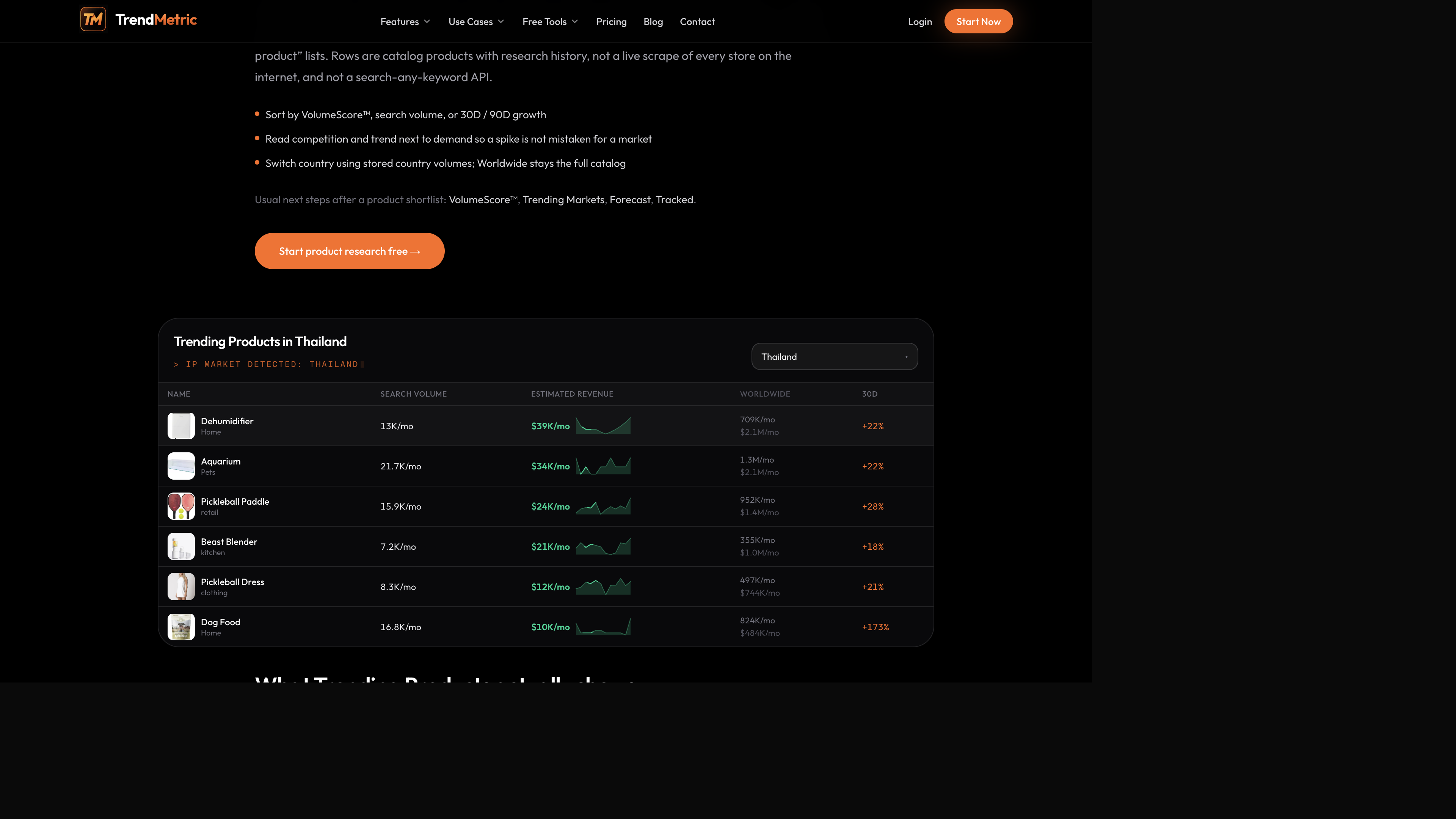
Suppose you are choosing between a portable neck fan style SKU and whatever a Facebook ad library clip sold last week. Both can look “winning” in a creator feed. On the catalog they usually tell different stories.
The neck-fan style row may show meaningful search interest, a mid-pack VolumeScore™, and competition that is already Medium or High. People search it. Other operators already noticed. Open 30D and 90D. If 30D is up and 90D is flat, you are looking at a short window, not a durable aisle. The screenshot SKU may not be in the catalog at all. If it is missing, TrendMetric will not invent a row so you can feel productive.
What to write in the research note
- SKU name and catalog category — not the TikTok caption.
- Geography: Worldwide vs the country you actually ship (country vs Worldwide).
- VolumeScore™ plus Search Volume, 30D, 90D, trend, and competition on one line.
- Market around it: parent vs submarket, without adding estimated revenue twice (estimated revenue and MarketScore™).
The six-pass dropshipper workflow
Use this when you have 20 minutes, not a weekend. The point is three catalog products you would actually test, not a hundred-row “winning” sheet.
- Open Trending Products. Start on Worldwide unless you already know the shipping country.
- Sort by VolumeScore™ so the board has one consistent rank. Then stop treating the sort as the decision — read Search Volume, competition, and trend beside it.
- Filter for demand high enough that a test is even worth staffing, and growth that is not a one-day spike. Pair 30D with 90D.
- Read competition as crowding. High competition plus high demand is a different test than Low competition plus thin volume. Entering after ads have already crowded the keyword is how dropshippers lose the sample budget.
- Open three products. Switch to the country you sell. If a cell says Unavailable, that means the country request finished with no stored figure — not that the row is still loading.
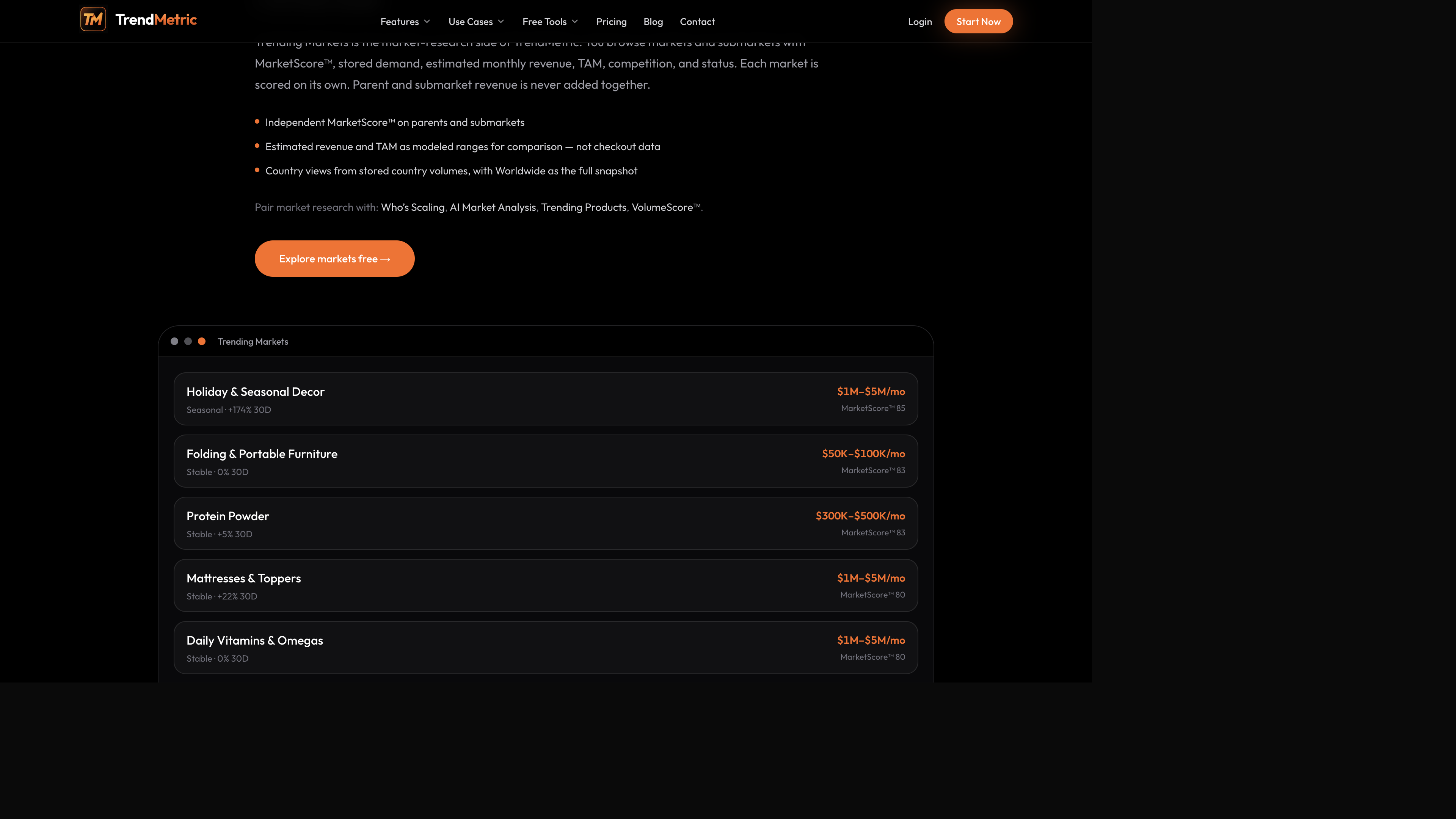
- Open Trending Markets for the category. Estimated revenue is a modeled monthly range. Never add parent and submarket TAM. Then Forecast a short horizon if you have Pro, and Track the SKU so 7D / 30D starts today.
Then the category — without double-counting TAM
When a product looks usable, open the market around it. Media buyers use the same market board when they are deciding whether a niche is big enough to scale. You use it so a child accessory does not inherit a parent aisle’s size. Protein powder can look large and Stable on the market cards while a protein-adjacent gadget is thin and High competition. The parent’s size does not rescue the SKU.
If you have Pro and the category already looks large, Who’s Scaling applies a revenue-and-momentum bar. Tiny percentage spikes still fail that floor. Most dropshippers should stay on Starter’s live boards until competition and 90D are part of every note.
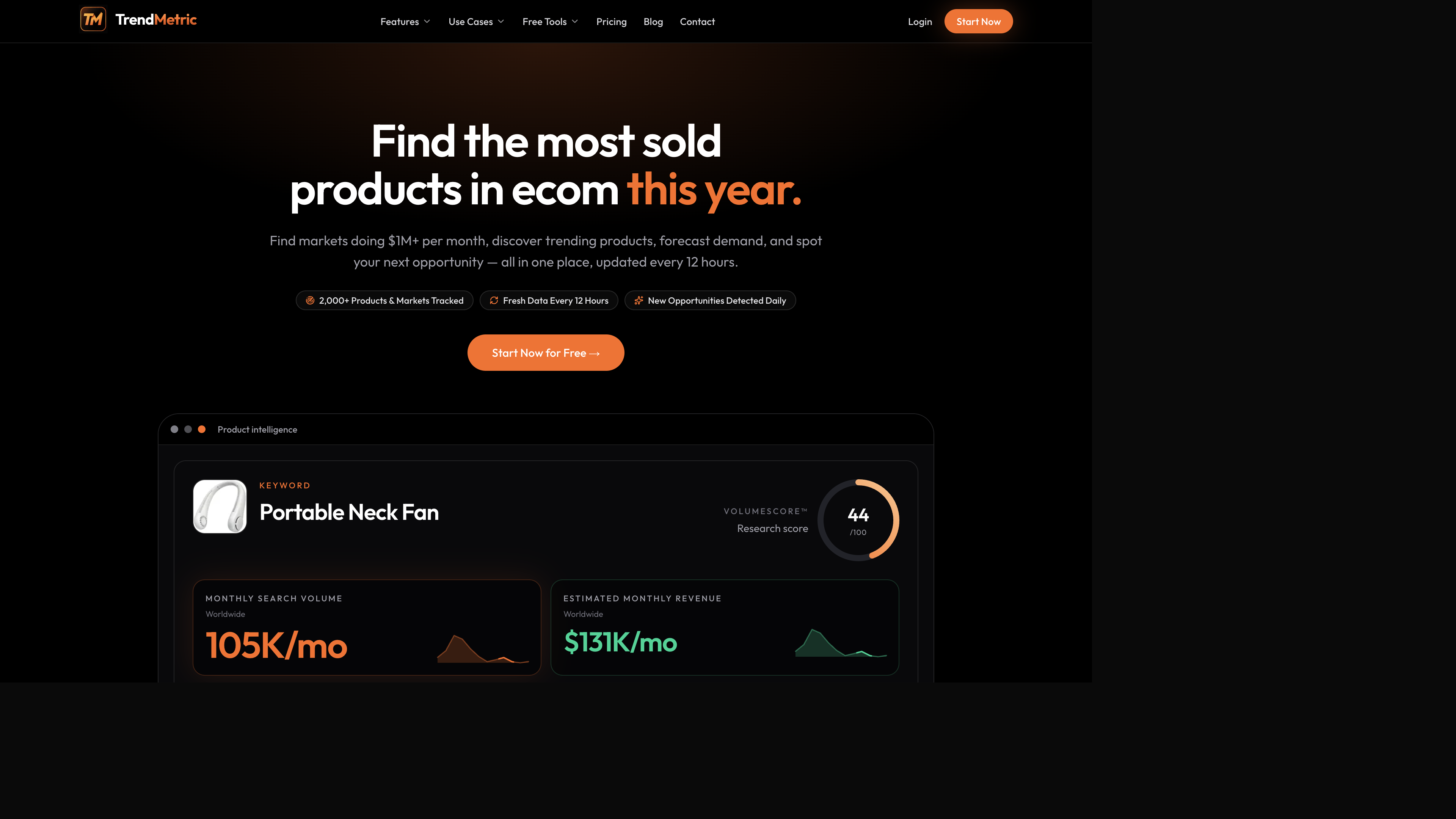
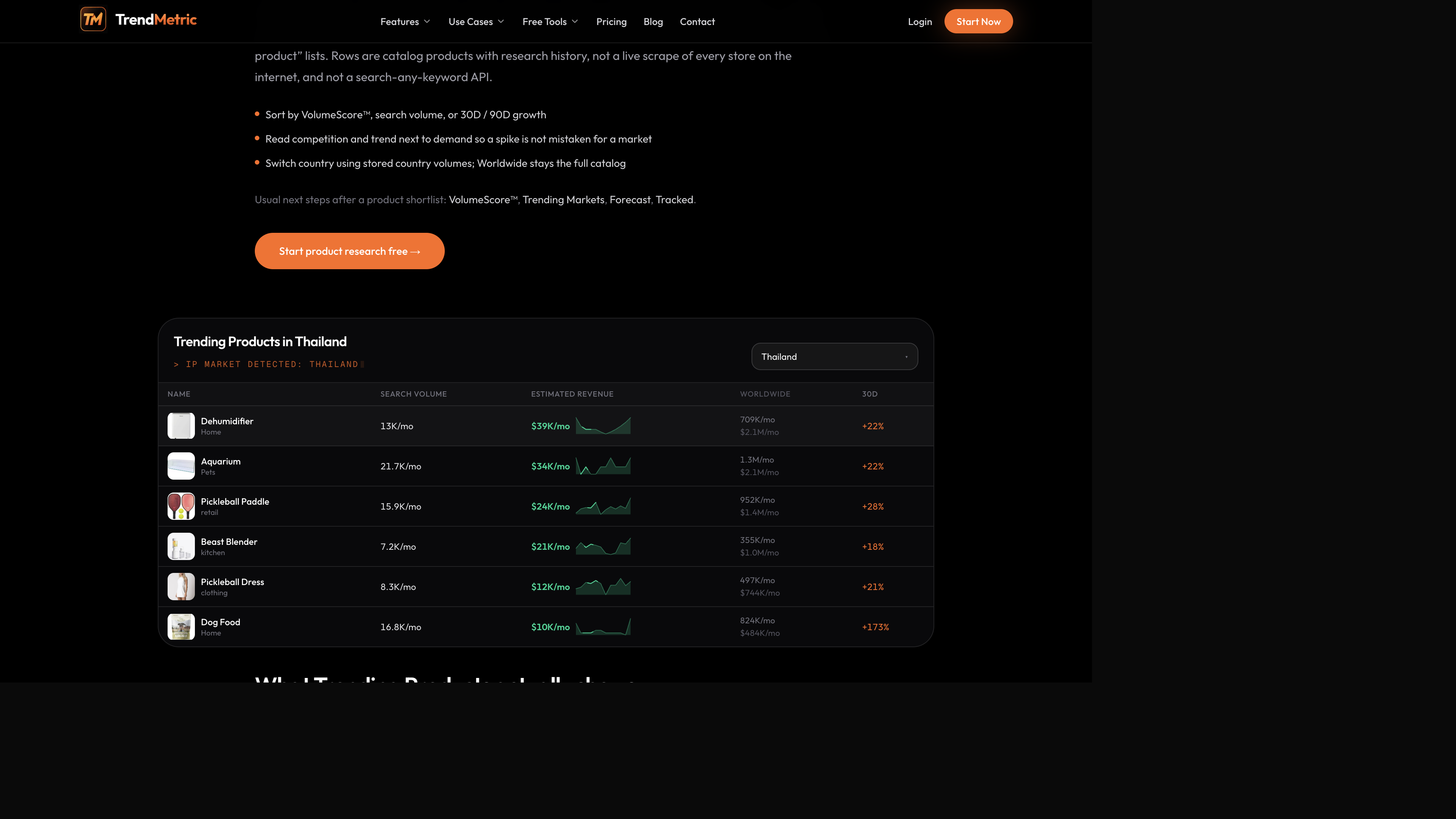
Country switching uses stored country volumes. A Thailand table can make a dehumidifier or dog-food row look busy locally while Worldwide stays the full catalog context. Do not add the two. If you ship only to one country, set that country before you shortlist — the same rule as country vs Worldwide.
What not to expect from this catalog
- Spy on Store is Coming Soon. You cannot paste a Shopify URL and get a spy report.
- Search Product outside the catalog is Coming Soon. Missing SKUs stay missing.
- A high VolumeScore™ is not a sales guarantee, not a supplier MOQ, and not ad approval.
- Forecast will not tell you units you will sell. Track Forecast is not live.
That constraint is the method. You rank what is stored, then you decide what to test with your own offer, creative, and suppliers. Brand owners use the same board when a SKU already sits in a tight intent. You use it to stop copying someone else’s list.
After the shortlist: forecast, track, arithmetic
Forecast a catalog SKU on 30D or 90D if you have Pro. Scale / Test / Watch / Caution is a demand stance from stored history. Then Track it so change starts today. Optional Tracked emails are opt-in in Settings on a paid plan. Tracked caps are 12 / 50 / 200 and Projects 3 / 12 / 40 on Starter / Pro / Business.
If the stance is Caution, do not “test anyway” with a larger sample order to make the score feel useful. If the stance is Test, staff one country and a creative set you can actually judge. If you only have Starter, skip Forecast and write Test / Watch / Skip from VolumeScore™, 90D, and competition. That is still research. It is not a missing AI feature.
Plans and public tools
Starter is the usual start: live catalog, VolumeScore™, MarketScore™, Tracked (12), 3 Projects. Compare which plan matches the research before you pay only for Forecast. The public ROI calculator and ROAS break-even calculator are arithmetic on numbers you type — they do not read TrendMetric scores. Use them after the catalog pass, not instead of it.
If you keep opening screenshot lists, stay on this workflow until competition and 90D are in the note. The use-case page is for dropshippers. The catalog is the same one everyone else uses. The discipline is reading both columns before you test.
Related articles
FAQ
- Does TrendMetric find winning dropshipping products automatically?
- No. It ranks catalog products on stored demand, growth, competition, and VolumeScore™. You still choose what to test. A high score is not a sales guarantee.
- Can I spy on a competitor’s Shopify store?
- No. Spy on Store is Coming Soon and is not a live research surface. You research catalog products and markets, not store URLs.
- How do I know a product is not already saturated?
- You don’t get a saturation percentage. You read competition, trend, and 30D / 90D growth on the same row. High competition plus Cooling trend is a reason to skip or Test small.
- Which plan do dropshippers start on?
- Starter includes Trending Products, Trending Markets, VolumeScore™, Tracked (12), and 3 Projects. Who’s Scaling, AI Market Analysis, and Forecast are on Pro and Business.
- Will a forecast tell me how many units I will sell?
- No. Forecast returns a demand range, stance, and recommendation from stored history. It is not observed checkout or ad performance.